Your phone is your terminal
Accept contactless card payments on a compatible NFC-enabled phone, without a separate card terminal.
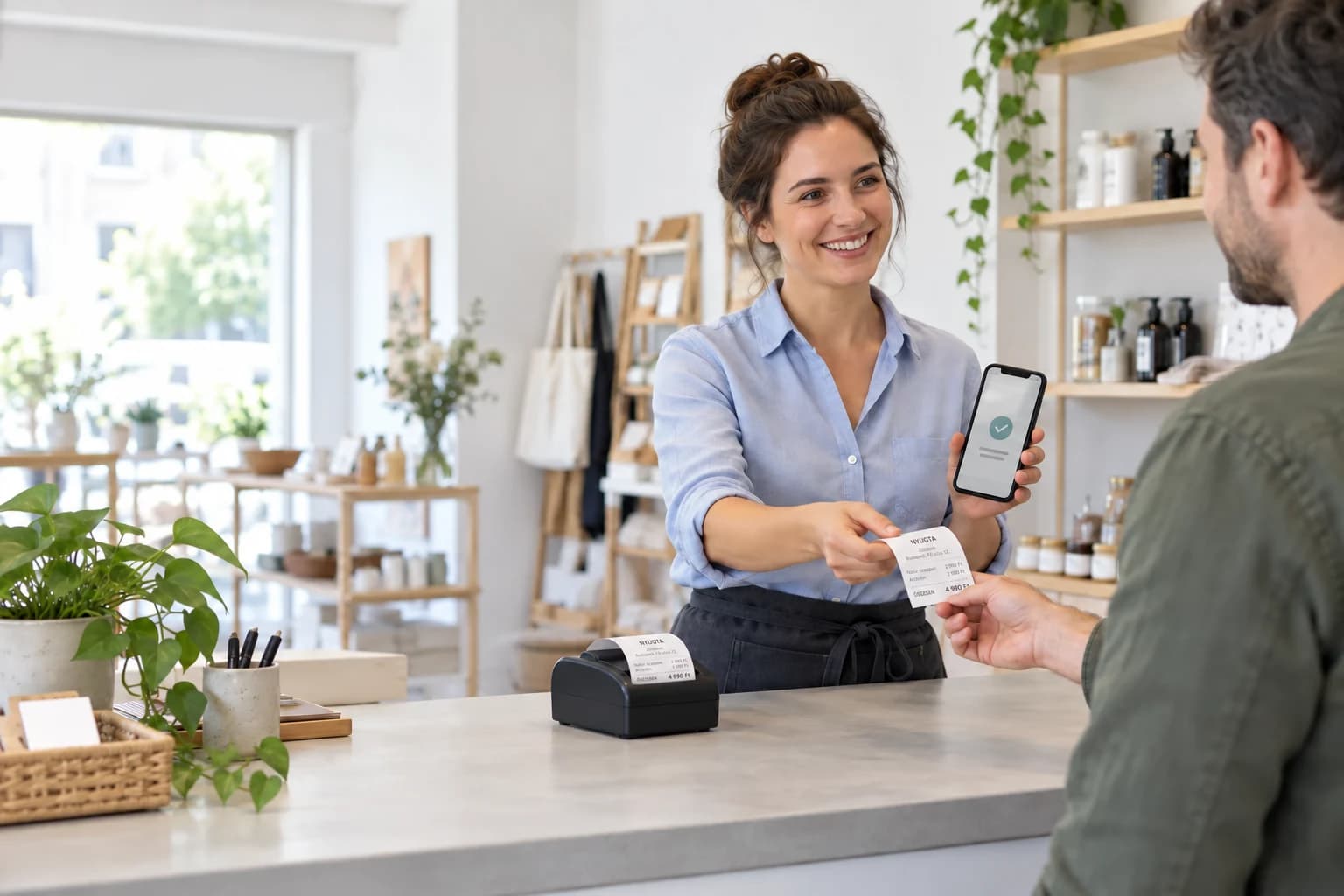
Issue receipts on your phone and cut down on administration. After a successful NAV connection, Fizgo automatically handles reporting the data from receipts issued in the app.
If you issue handwritten or computer-generated receipts in Hungary, the new reporting obligation may apply to you. The aim: make reporting part of the process, not another task to remember.
NAV has announced that it will not impose penalties for incorrect or missing reports under the new obligation until 31 December 2026. This is preparation time, not a postponement of the obligation.
Handwritten and computer-generated receipt data must also be reported to NAV.
NAV announced this date as the end of the penalty-free period for the new obligation.
This is not the start of the obligation: it has applied since September.
Generally, reporting is due by the end of the third calendar day after issue. Corrections and cancellations also need to be reported. NAV’s guidance explains the exceptions and detailed rules.
General information, not individual tax advice. Check the rules for your business with your accountant and review NAV’s latest guidance before getting started.
Reporting covers receipts issued in Fizgo. You need a suitable plan and a successfully verified NAV connection.
Pro and Business include receipts and NAV reporting. Free is for non-fiscal cash records.
Configure the NAV connection in your business’s authenticated product area and wait for successful verification.
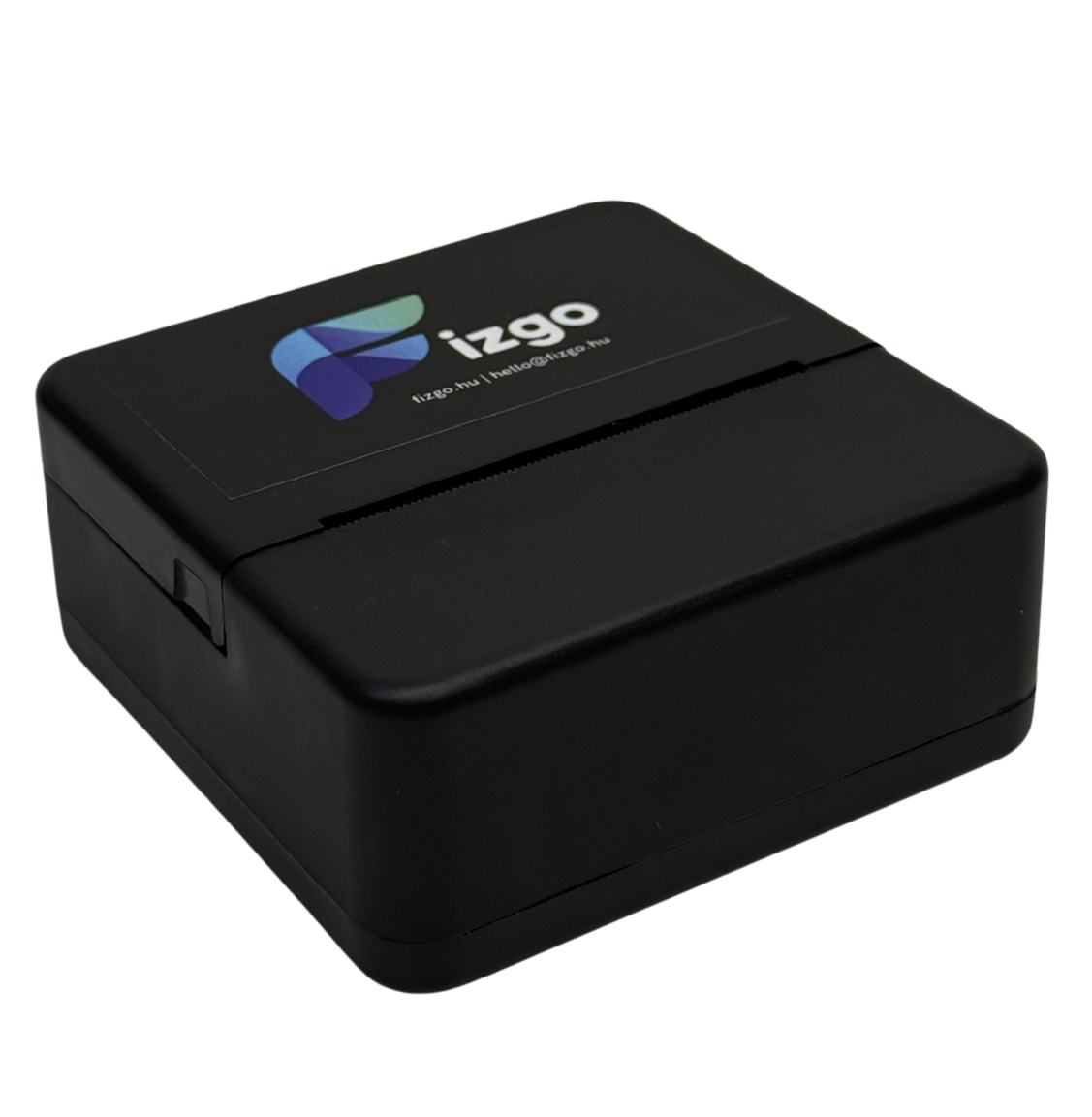
Handle the payment and give your customer a digital receipt or a paper version using a suitable printer.
The system handles submission of the related receipt data.
Alongside NAV reporting, make everyday checkout simpler too.
Accept contactless card payments on a compatible NFC-enabled phone, without a separate card terminal.

Record different payment methods in the same application.
Email the receipt so your customer can find it later.
A suitable Bluetooth printer also lets you hand over a paper receipt.

Follow payments and the reports included in your plan in one place.
SoftPOS technology allows you to accept the most common contactless card and digital wallet payment methods through one mobile workflow.

SoftPOS plans for card payments by phone, mobile payments, and receipt issuing in one flow.
For small businesses
2,990 HUF
/ month
Cost per transaction: ~10 HUF
For higher-volume companies
7,990 HUF
/ month
For high-volume companies
Custom pricing
Pro: 15 HUF per transaction above the monthly allowance. Business: unlimited.
Free: 50 cash transactions per month (+10 grace), non-fiscal cash slips, one device and one user. Card payments require a paid plan.
*Card payment providers (for example SimplePay or SumUp) may apply a separate transaction fee (~0.99%) to card payments.
Receipt printer
8,990 HUF / unit
The essentials to understand before choosing your setup.
Generally, taxpayers issuing handwritten or computer-generated receipts in Hungary. Online and electronic cash registers use separate reporting systems. Check NAV’s guidance and your accountant for exceptions and the rules that apply to your business.
The obligation has applied since 1 September 2026. NAV announced a penalty-free transition until 31 December 2026; penalties for incorrect or missing reports may apply from 1 January 2027. January is not the start of the obligation.
That is not the solution offered here. Fizgo creates computer-generated receipts and automatically reports receipt data after a successful NAV connection. Statutory e-nyugta receipts and e-cash registers are a separate category.
A plan that includes receipts and NAV reporting, plus a successfully verified NAV connection for your business. Enter credentials only in the authenticated product area, never on this page or by email.
No. Issuing a receipt, submitting the related data and acceptance by NAV are separate states. Incorrect or rejected reports may require action. Generally, the legal reporting requirement uses daily totals by tax rate, due within three calendar days.
Fizgo supports digital receipt delivery and paper receipts using a suitable Bluetooth printer. Choose delivery methods and any required paper option according to the rules for your business.
Fizgo does not replace an online or hardware-based e-cash register required for your activity. Cash-register obligations depend on the activity your business actually performs.
Pro and Business include receipts and NAV reporting with a successfully verified NAV connection. Free’s non-fiscal cash records are not suitable for this purpose. Automation covers receipts issued in Fizgo, not receipts from other programs or earlier receipt books.
Choose the plan that fits your business and get started with digital receipts.
View the plans